Case Study — Cygames, Inc.
How Cygames uses SyncVV-II across its Tokyo and Osaka motion capture studios. We asked about the background to the decision, day-to-day operation on set, and the points they value most.
Cygames, Inc. — SyncVV-II Case Study

We had the opportunity to speak with Cygames, Inc., one of the customers who has already adopted the professional video and audio recording system "SyncVV-II," and we are pleased to share their story.
── The background that led to adopting SyncVV-II
Cygames: We develop content under the vision of being "a company that creates the very best content," and we believe that to make better content, it is essential to continually enhance our facilities, equipment, and systems. As for "SyncVV," we had been using it from the very beginning, back in 2018, when we first set up a motion capture studio inside our Tokyo office. Even then, considering its compatibility with VICON, we felt "SyncVV" was the most solid system available. Later, in 2022, we set up another motion capture studio in Osaka, and since we had already adopted "SyncVV-II" — the second generation of "SyncVV" — in that studio and built up a track record, it led to the idea of upgrading the studio at the Tokyo office as well. In terms of performance, the first-generation "SyncVV" could also capture high-resolution recording data, so there was no problem with image quality. However, precisely because the quality was so high, the data was too heavy and required re-encoding, which made it somewhat difficult to reuse. In the second generation those issues were resolved and it was designed to be easier to use, which was one of the reasons we decided to adopt it. At this point, if you are building a motion capture system with VICON, I believe "SyncVV-II" is a highly reliable and dependable system.

── How you use SyncVV-II after adoption, and the points you found good in actual use
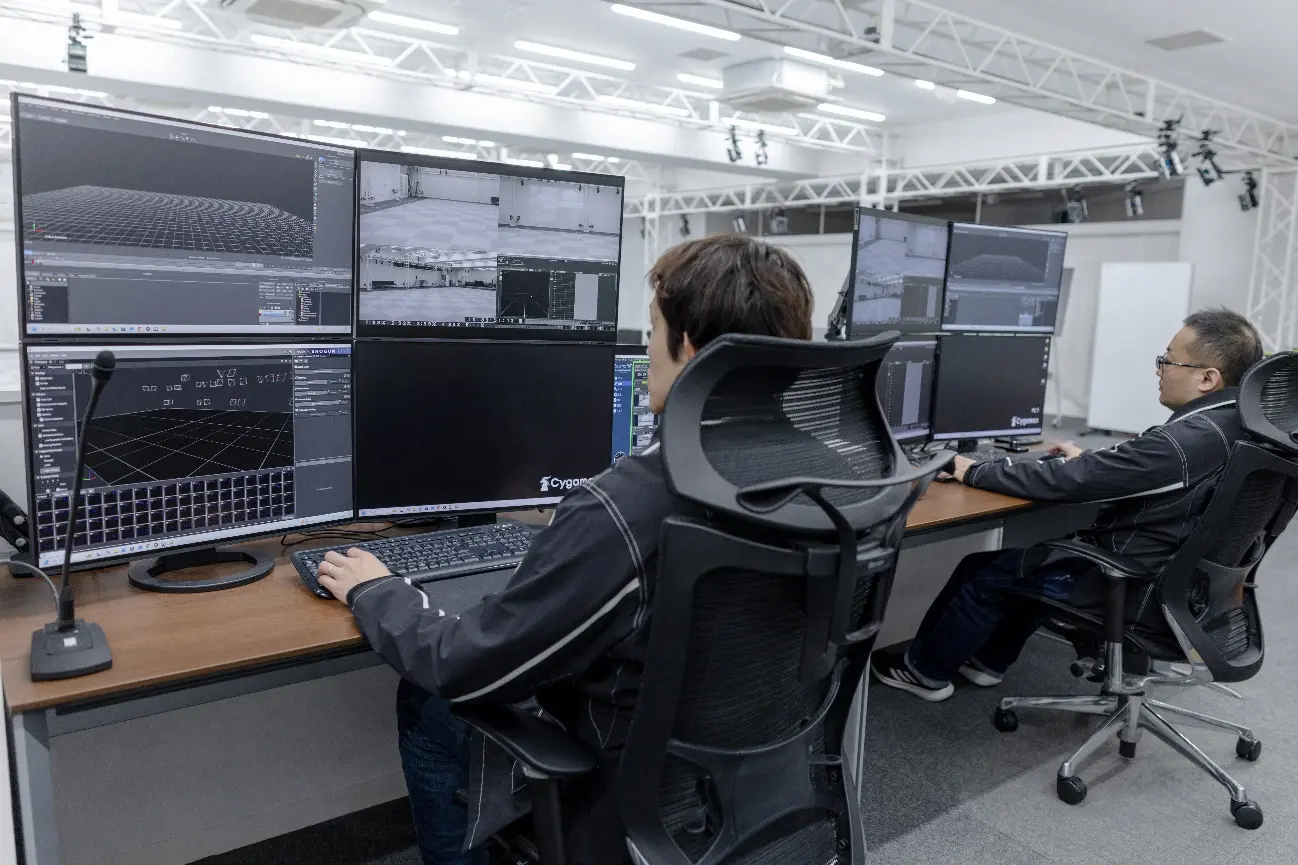
Cygames: In addition to live-action footage shot with three video cameras, we record a total of 4 channels simultaneously, including the PC video data. When facial capture is involved, we add that into the recording as well.
As for the good points: it may be a basic feature, but being able to receive the recording trigger from VICON and start and stop recording with the take name already acquired is extremely convenient. When we want to compare and re-check the VICON data after recording, the fact that the start of the data lines up almost exactly even without TC is also very helpful during our work. Also, when the video signal is interrupted for some reason, with other products the recording can stop midway and the data can become corrupted and fail to open. But because "SyncVV-II" inserts a color bar signal while the signal is interrupted and does not stop recording, the data never becomes corrupted. As recording equipment it is very reassuring. Furthermore, regarding facial capture, as we repeat recordings the camera position often shifts because, for example, someone bumps it with their hand. In such cases, the composite guide feature lets us take a screenshot of the correct state in advance, and it is wonderful how visually easy it is to see the difference from the original camera position. We rate these features as a user-friendly design that suits the realities of the work site. As I said earlier, for those who are about to build a VICON system, I believe that adopting "SyncVV-II" together with it will reliably make the working environment more stable. Also, this is a feature added in version 1.8.0, but being able to set and launch a start project specified from the command line first is also very nice.

── Requests after using SyncVV-II
Cygames: Regarding the take list, at present, even if we change the take list in "SyncVV-II," it only changes within "SyncVV-II." It would be great if, for example, changing a take's OK or NG result on the "SyncVV-II" side would also change the result on the VICON side — that kind of integration. Since the VICON side has the SHOGUN API, having an API on the "SyncVV-II" side as well would be beneficial for us, as it would allow customization and so on.
Also, it would help us to be able to notice trouble immediately if there were a specification that sounds a warning tone when we are about to start recording in an irregular connection state — for example, when the video blacks out and is interrupted, or when the number of channels differs from the previous recording.
— Thank you very much for taking the time out of your busy schedule to share such valuable insights with us.